One controller setup that can adapt to each game
The new controller mapping editor works with the Mac input paths used by SpatialEMU, including GameController and supported SDL or HID devices. A global profile can provide the default layout, while system- and game-specific overrides handle arcade panels, unusual button orders, and personal preferences.
- Map buttons and analog axes
- Invert an axis when a device reports the opposite direction
- Tune dead zones and sensitivity
- Keep input neutral while the mapping editor is open
Native Model 3 LAN rooms
For supported Model 3 titles, the Mac app can create or join a native local-network room with another SpatialEMU device, including an iPad running a compatible build. Each device runs and renders its own local game; the network carries the cabinet-link data rather than streamed video. Availability still depends on the exact title, matching files, network conditions, and compatible app versions.
A more dependable Mac app
Version 1.40 also improves large-library loading, window and fullscreen sizing, and behavior on external displays. These changes are aimed at making SpatialEMU feel like a native desktop library and play environment rather than a mobile interface placed in a Mac window.
- More resilient loading for larger libraries
- Improved fullscreen and external-display sizing
- Refined archive split-view behavior
- Developer ID notarized direct DMG for Apple silicon Macs
Bring your own lawful files
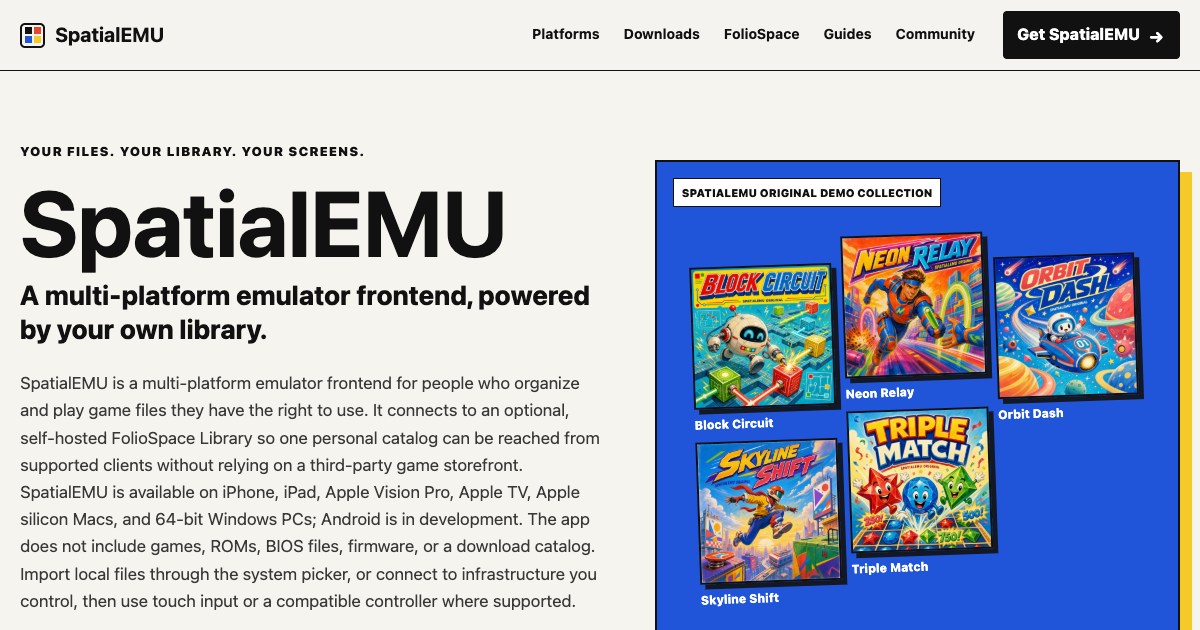
SpatialEMU is an emulator frontend and does not include games, ROMs, BIOS files, firmware, or a third-party download catalog. Users provide files they have the right to use. System and file compatibility can vary by device, operating system, app version, and emulator core.