iPhone + iPad
Free to download from the App Store, with optional in-app purchases, touch input and compatible controllers.
Your files. Your library. Your screens.
A multi-platform emulator frontend, powered by your own library.
SpatialEMU is a multi-platform emulator frontend for people who organize and play game files they have the right to use. It connects to an optional, self-hosted FolioSpace Library so one personal catalog can be reached from supported clients without relying on a third-party game storefront. SpatialEMU is available on iPhone, iPad, Apple Vision Pro, Apple TV, Apple silicon Macs, and 64-bit Windows PCs; Android is in development. The app does not include games, ROMs, BIOS files, firmware, or a download catalog. Import local files through the system picker, or connect to infrastructure you control, then use touch input or a compatible controller where supported.
Free download. Optional in-app purchases.Available on iPhone, iPad, Apple Vision Pro, Apple TV, Apple silicon Mac. Download the app for free; optional in-app purchases unlock additional content or features. See the App Store and in-app purchase screen for current options and regional prices. Windows is a separate direct download.
App Store iOS/iPadOS 1.510 · visionOS 1.511 · tvOS 1.510 · macOS 1.503 · macOS 1.41 · Windows 1.304 · Verified 2026-09-30


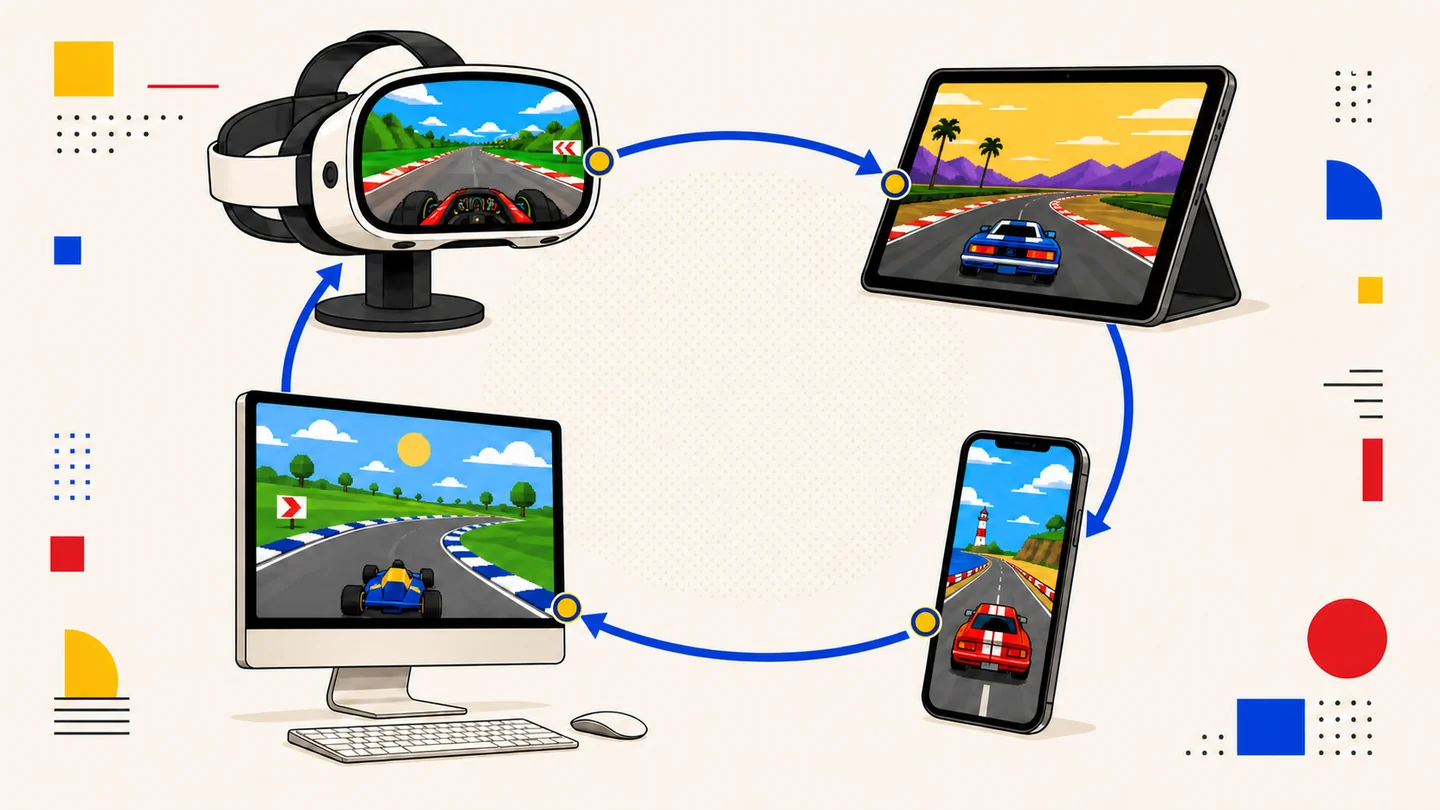
One personal catalog
FolioSpace Library can organize game files on infrastructure you control. SpatialEMU is the client that browses the catalog and opens compatible files on supported devices.
How FolioSpace works01
Use the system file picker for local imports. SpatialEMU provides the frontend, not the content.
Import guide02
Touch input is available where supported. Xbox and Nintendo Switch-compatible Bluetooth controllers are recommended.
Controller guide03
Battery saves and save states serve different purposes. Keep backups through your preferred platform workflow.
Save guideAvailable now
Platform availability is verified separately from individual emulator-core compatibility.
Free to download from the App Store, with optional in-app purchases, touch input and compatible controllers.
SpatialEMU is a game emulator frontend for Apple Vision Pro, available as a free download with optional in-app purchases for personal libraries in a spatial interface.
Vision Pro emulator guideFree to download with optional in-app purchases for controller-focused television use.
Apple silicon Mac has a free App Store download with optional in-app purchases and a separate notarized DMG. Windows is a separate direct download.
Developer Journal
Release details, product decisions, game recommendations, and practical play guides from the developer.
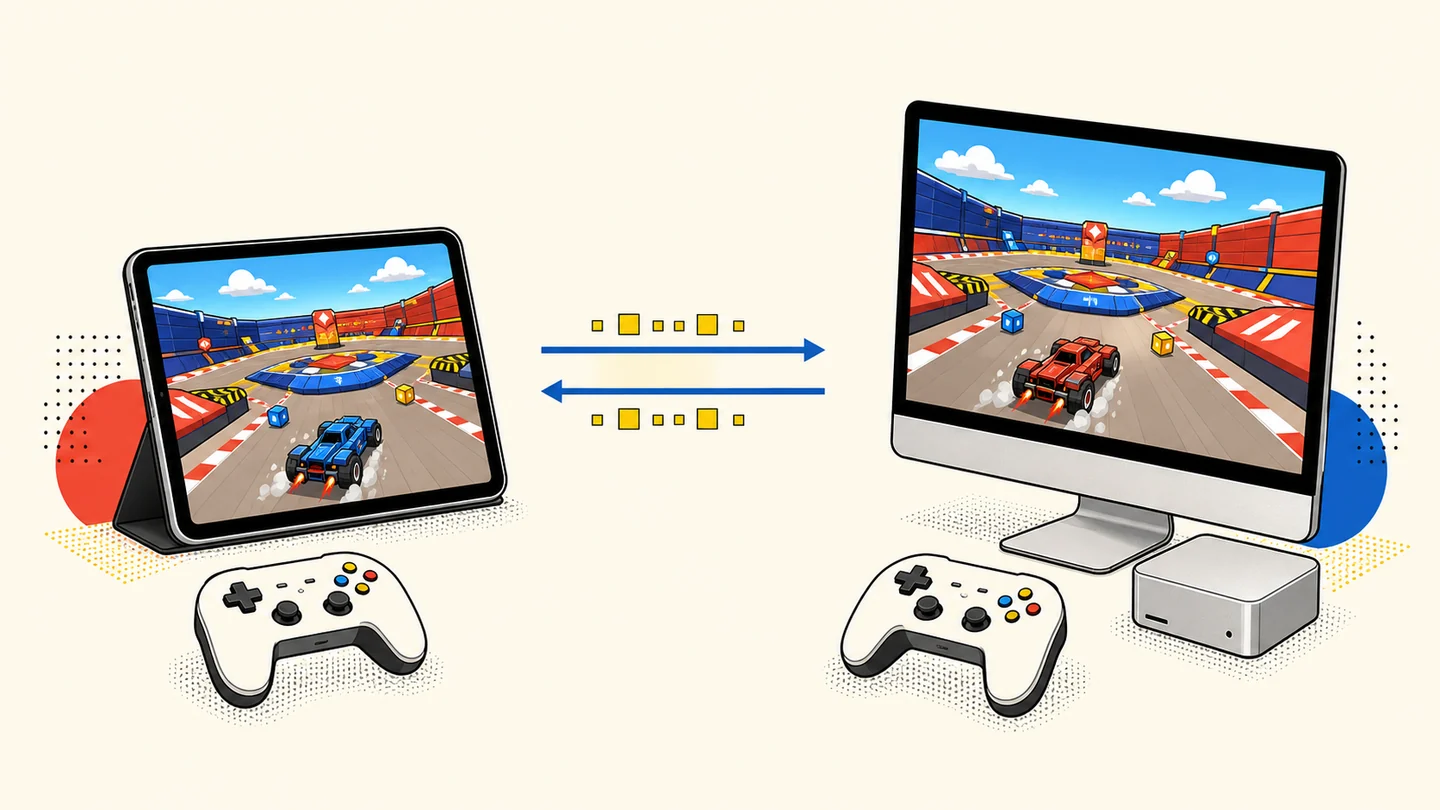
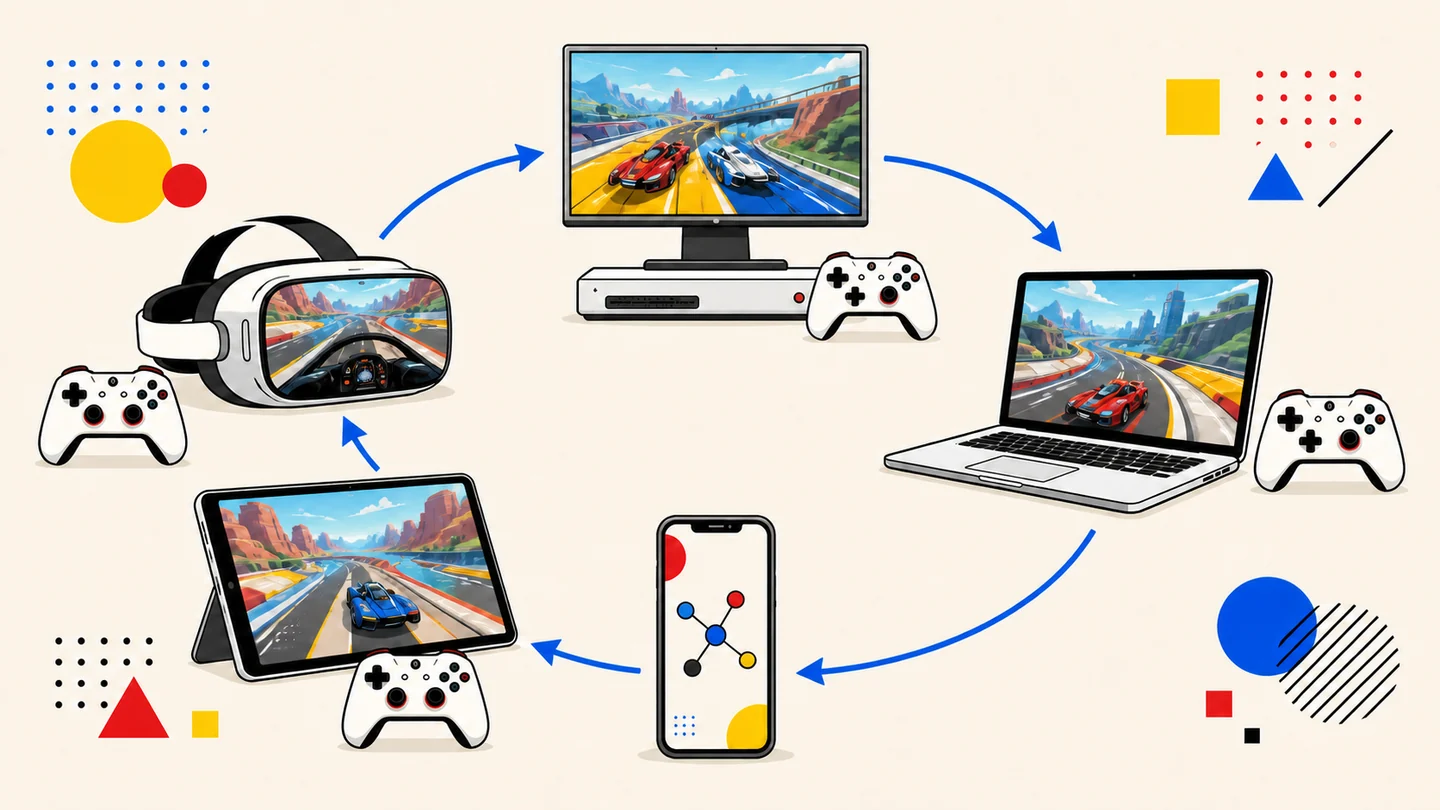
Arcade multiplayer is not one protocol. Some games share one machine, others connect two complete cabinets, and larger systems may use a playable ring or a dedicated relay. Here is how those designs map to SpatialEMU on modern Apple devices.
Read entry →Straight answers
Current release
Free App Store download with optional in-app purchases on five Apple platforms, including Apple silicon Mac. A notarized Mac DMG and the separate Windows x64 installer are also available from spatialemu.com with version, architecture, signature, size, and SHA-256 facts.